A3 serves a practical document need
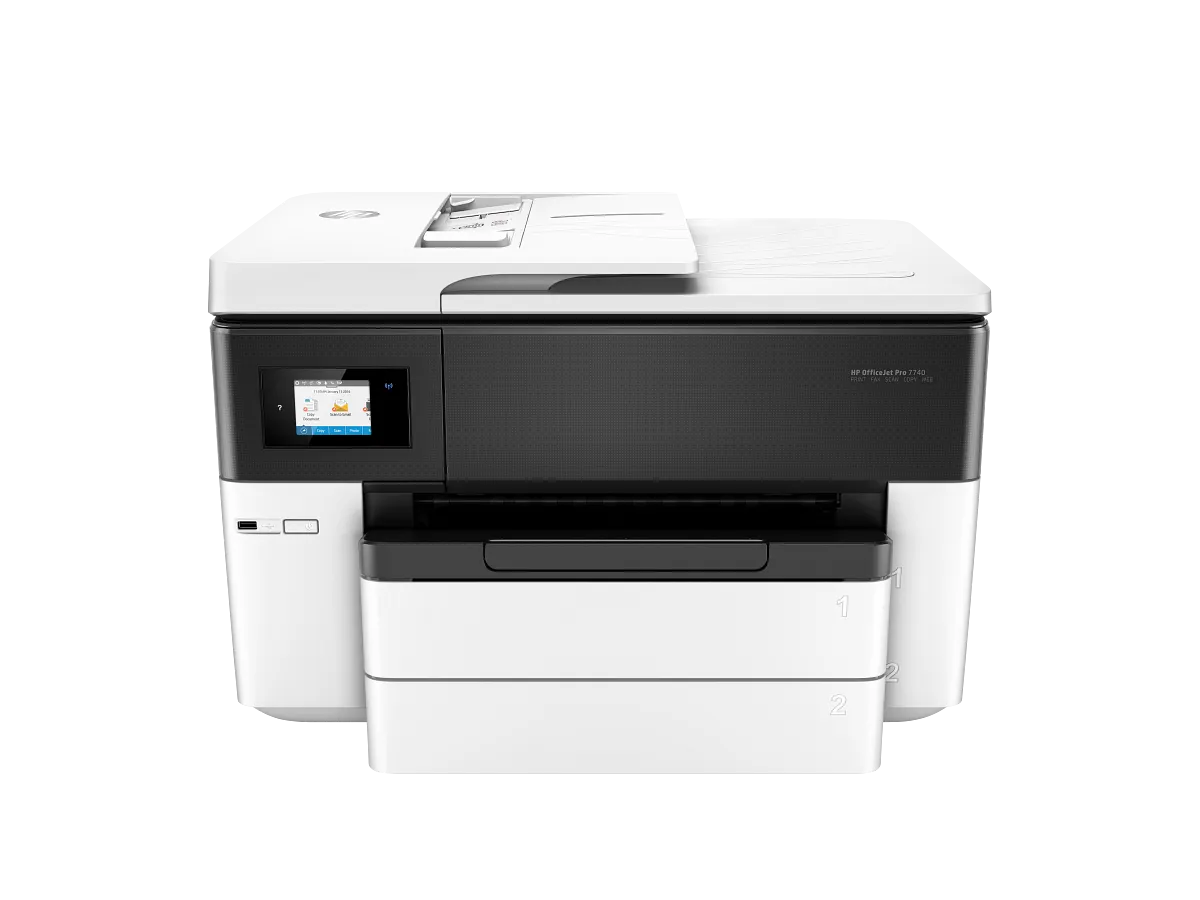
The 7740 can make oversized spreadsheets, drawings and layouts easier to read without forcing every page down to A4 or Letter. It combines wide-format printing with a large scanner glass, conventional fax and two paper trays. That breadth is useful for an office with a regular large-page requirement. It is much harder to justify as a speculative upgrade for someone who almost never uses larger paper. Count those jobs and consider whether occasional external printing is simpler before committing desk space to a substantial wide-format all-in-one.
Do not confuse glass with feeder width
HP specifies a 297-by-432-millimeter maximum flatbed area but only 215.9 by 355.6 millimeters for the ADF. An individual oversized original can therefore have a different capture route from a standard multipage document. This is crucial for an archive or architectural workflow: the presence of a large glass does not make the feeder an A3 batch scanner. Test the actual original sizes and check the intended scan procedure. A separate wide-format capture device may be the more important purchase if oversized scanning dominates the daily workload.
Two trays need an agreed setup
Two 250-sheet input trays can keep ordinary office paper and a larger approved size ready, reducing repeated swaps. Set clear driver defaults and tray assignments so staff know which stock each job will use. Automatic duplex is available, with supported media and size limits to confirm. HP rates ISO output at up to 22 black and 18 color pages per minute, but a dense large-format proof is a different task from a normal test page. Check scale and margins on one proof before producing a full client or meeting set.
Evaluate today’s support and supplies
The 7740 is an established design, and some historical documentation names online services or operating systems that should not be assumed current. Confirm available drivers and the required local or network printing route for today's computers. Match cartridge numbers to the region of the actual unit, and investigate warranty and condition for used or remaining stock. Allow operating clearance as well as furniture suitable for its size and weight. The model is a coherent large-page office tool when its functions are genuinely needed; otherwise a smaller all-in-one may make the everyday workspace easier to use.
When to look elsewhere
- Automatic A3 scan batches
- A small shelf installation
The key specifications
- Rated ISO speed
- Up to 22 black / 18 color ppm
- Maximum flatbed scan
- 297 × 432 mm
- Maximum ADF original
- 215.9 × 355.6 mm
Check the complete regional specification, current supply compatibility, and software requirements before buying. Manufacturer ratings are not our measured results.
Sources & further reading
HP specifications and model documentation How our reviews are writtenKeep the decision in perspective.
Explore all reviews