



Having Printer
Problems? We’re
Here to Help.
Get assistance with printer setup, offline errors, Wi-Fi connectivity, driver installation and printing issues.
Printer brands we feature
Find your next printer.
All printer products
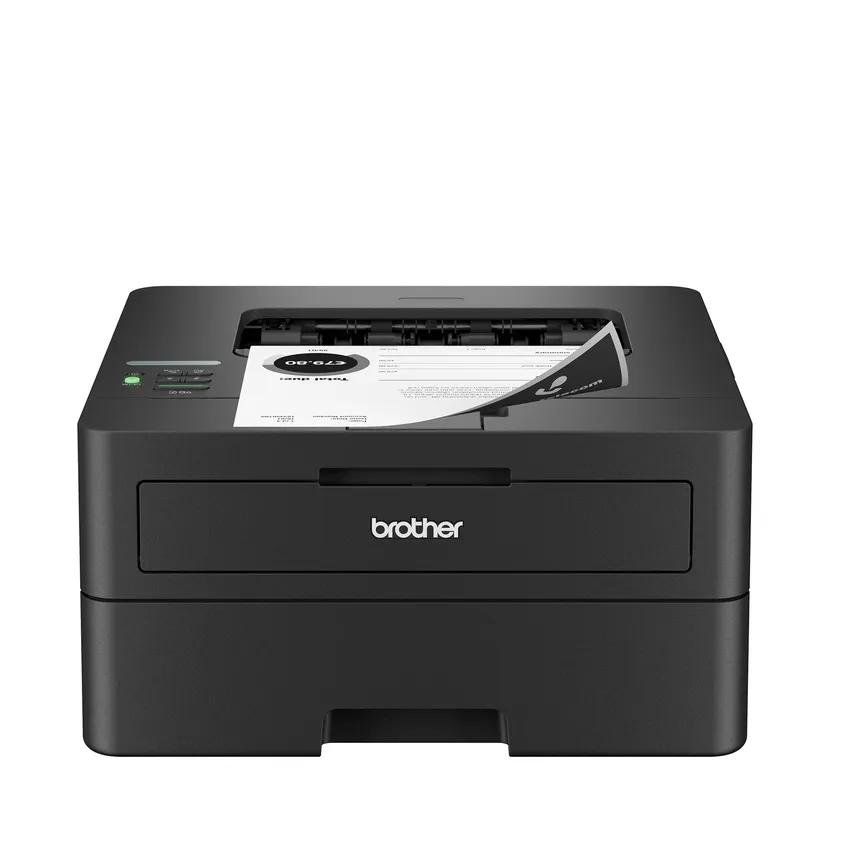
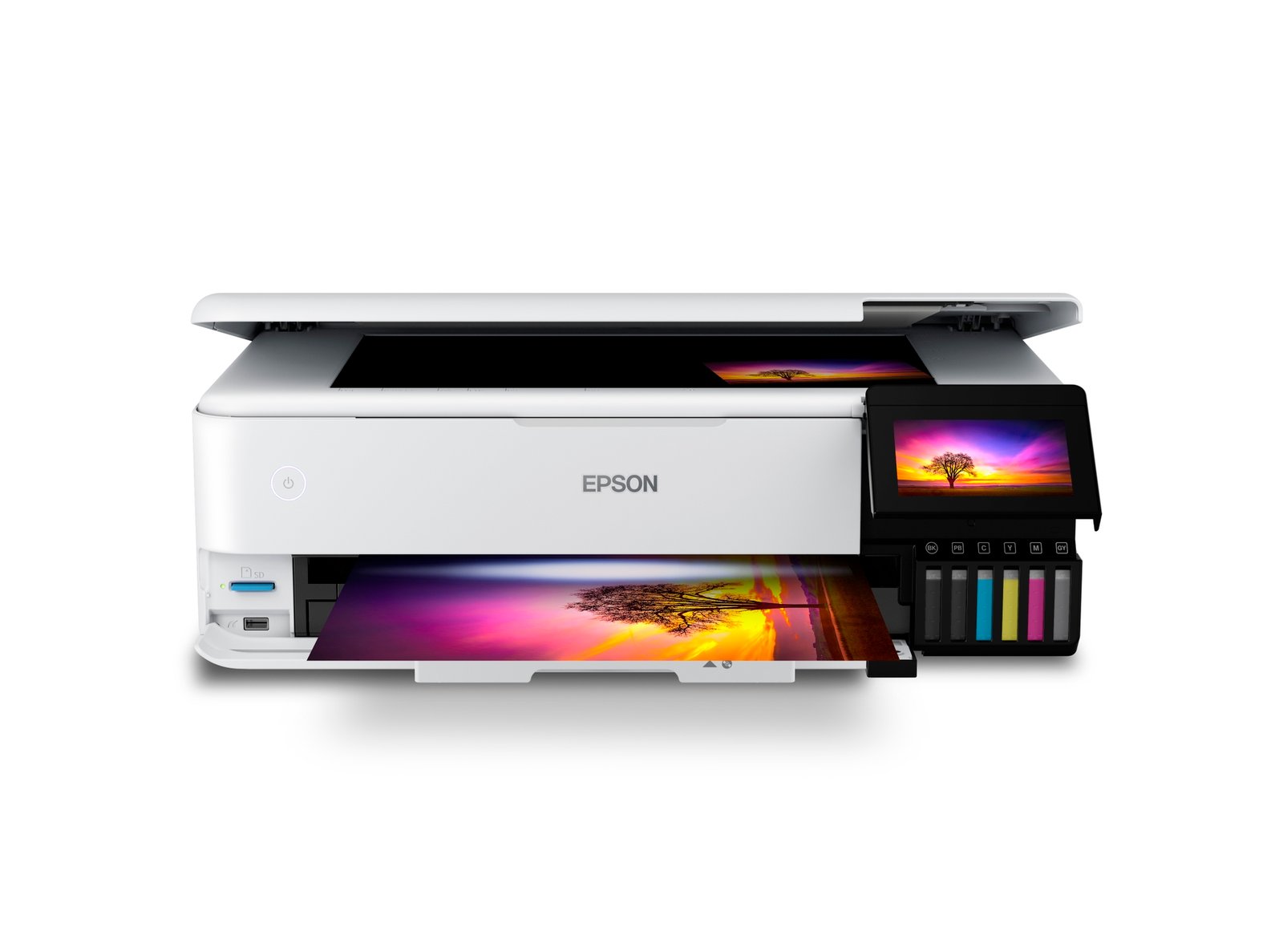
Epson EcoTank Photo ET-8550
$749.99 US dollars
- Six-color ink system
- Photos up to 13 × 19 in
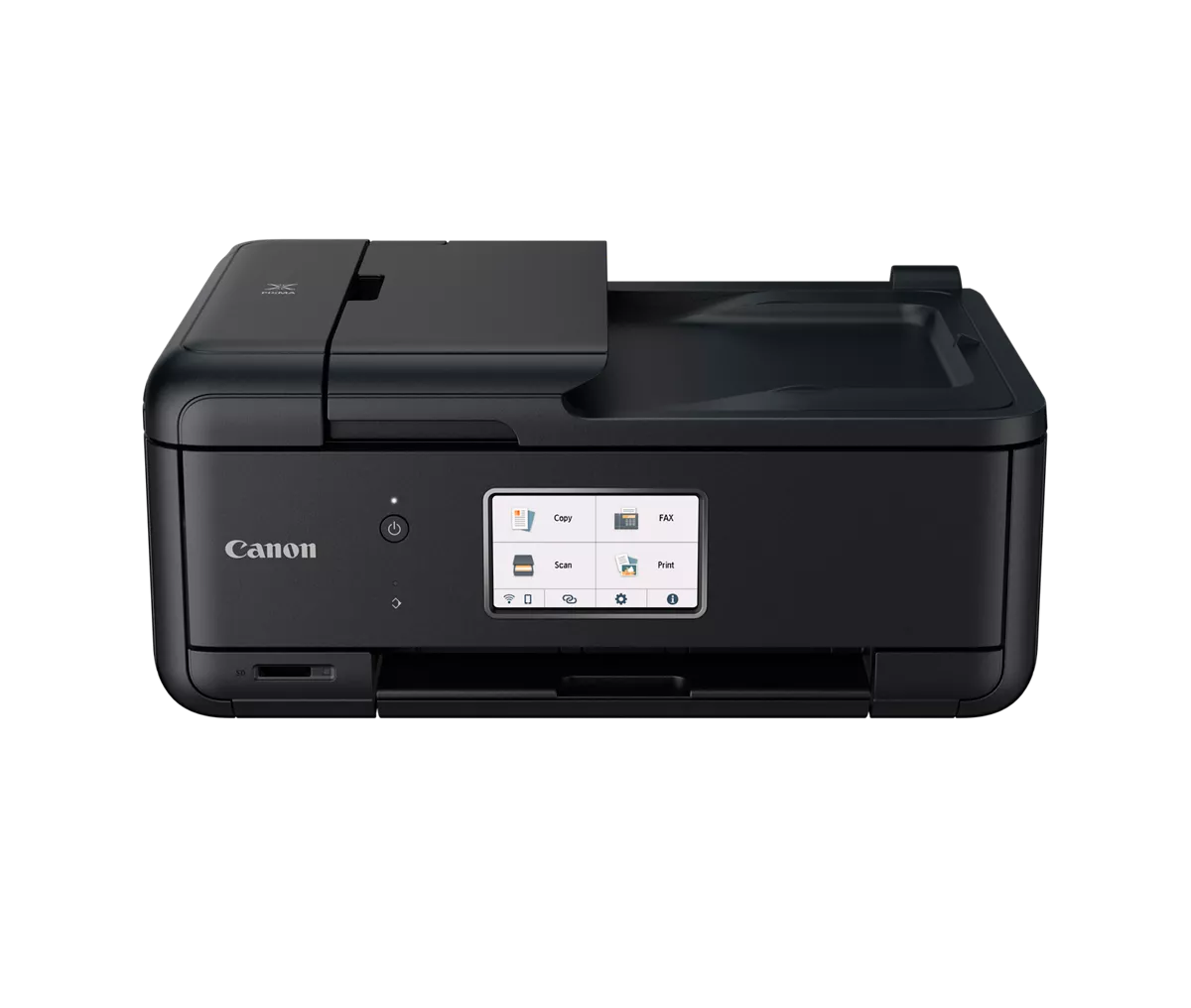
Canon PIXMA TR8620a
$215.00 US dollars
- Print, scan, copy & fax
- Automatic two-sided printing
USD reference prices. The date checked is shown on each product page; confirm final price and availability in chat.
Support for the
way you print.
TechSquad Pro helps customers explore printer products and find assistance with common printer setup and troubleshooting issues. Our goal is to make printer setup, connectivity and everyday printing problems easier to understand, with clear guidance on available support options.
The community corner
Reader reviews.
From home offices to creative projects.
Everyday questions. Clearer choices.
“Monday mornings usually mean meeting agendas, sign-in sheets, and a few documents to scan. I used the home office guide to turn that routine into a practical checklist. The comparison page then gave me somewhere to check paper handling and two-sided printing without juggling notes across several tabs.”
“Between weekly stock lists and staff rotas, our printing needs change more than I expected. I tried a few monthly page estimates in the ink cost calculator before reading the buying guides. That made our budget discussion more specific, especially when comparing supply costs with the initial printer price.”
“Clients often ask me which printer they should shortlist for a small office. I start by asking about their documents and network, so I appreciated the same practical approach here. Having connectivity, scanning, and duplex details together makes it easier to prepare questions before checking the manufacturer documentation.”
“When I plan a small portfolio, the paper choice matters just as much as the image selection. The photo guides gave me a clearer way to think about finish, supported sizes, and ink systems. I found myself making a much more useful list of things to verify for each model.”
“My desk has to accommodate lesson plans, classroom activities, and the occasional permission form. I used the finder to narrow the options around that mix, then read the individual guides. It was helpful to think about ordinary school weeks rather than being distracted by a long list of features.”
“I move between long reading lists and short documents, with very little spare space beside my laptop. The buying guides prompted me to check dimensions and replacement supplies alongside the features. Those details gave me a more grounded shortlist than simply choosing whichever model looked smallest in a photograph.”
“Most of my work stays digital, but project handovers still bring a small pile of paperwork. The home office advice made me pause and map out those occasional needs. I could then compare scanning and paper handling with a clearer idea of what would actually earn its place on my desk.”
“I keep a running list of things our business needs, and a printer can quickly become a confusing item on it. The comparison pages helped me turn broad wishes into specific questions about invoices, forms, and scanning. That gave me a sensible starting point for discussing the options with my team.”
“A typical paperwork session for me includes loose forms, signed letters, and documents that need careful handling. The scanning guides explained why those jobs can call for different features. I liked being able to separate flatbed needs from document-feeder needs before looking closely at the individual specifications.”
“I usually think in spreadsheets, so being able to change the assumptions in the ink cost calculator suited me. I explored a quiet month and a busier reporting month, then noted the difference. It gave me a concrete way to discuss ongoing supplies alongside the rest of our office budget.”
“At home, printing can mean a simple activity sheet one day and a family photo the next. The home printing guides helped me think through that variety without making everything sound complicated. I put together a short checklist covering paper, space, and occasional colour work before comparing any models.”
“My study desk already has drawings, a laptop, and far too many notebooks on it. I used the finder to establish a starting shortlist, then checked the paper-size guidance against the documents I usually prepare. That sequence made the research feel connected to my own workspace rather than an abstract specification list.”
“People in our shared workspace bring very different printing habits, from occasional forms to regular meeting packs. The comparisons gave me a useful structure for collecting those needs. Having connectivity, scanning, and paper handling in one place helped me prepare a more focused discussion about what a shared setup should support.”
“When I review pictures with couples, we often talk about how they might look on paper later. The photo guides reminded me to consider the original file, cropping, and paper settings together. I appreciated an explanation that connects those small decisions instead of treating the printer as the only thing that matters.”
“I collect paper ideas for invitations and small branding projects, but an attractive finish does not tell me whether it suits a particular printer. The paper guide gave me a clearer checklist for weight, tray limits, and supported media. I now have better questions to take into the model specifications.”
“A question about wireless printing can start with a phone, a laptop, or a document waiting in the queue. I liked that the setup guide separates those checks instead of rushing through them. It is a useful reference when I want to explain the process clearly to someone with less technical experience.”
“I often prepare documents that need page numbers, clear ordering, and careful checking before they go into a folder. Reading the duplex guide helped me connect two-sided printing with that routine. The reminder to check supported paper sizes also gave me another detail to include when comparing office models.”
“My working day moves between a phone, a laptop, and appointments away from the desk. The mobile printing advice felt relevant because it starts with the document itself. Checking page ranges, scaling, and the preview is a practical routine I can refer to when preparing forms for a meeting.”
“We have enough small jobs to remember in the studio without adding confusing maintenance instructions to the list. I appreciated the care guide explaining why the manual and the right supplies matter. It helped me outline a simple reference checklist for discussing routine upkeep with the rest of the team.”
“I spend a lot of time comparing numbers, so it was refreshing to begin with how printing fits into an ordinary week. The home office guide prompted me to list scanning, paper storage, and connection needs first. That made the later specification comparisons feel much more relevant to my own routine.”
“Our office checklist tends to grow whenever someone mentions another feature. I used the finder to bring the conversation back to the jobs we actually do, such as forms and meeting notes. The comparison page then gave us a manageable place to review the details without losing the original priorities.”
“Weekly store updates leave me thinking about stock sheets, training notes, and paperwork that several people need to access. The comparisons helped me organise those requirements before discussing a shortlist. Seeing connectivity and paper handling alongside two-sided printing made the conversation more practical than comparing headline specifications on their own.”
“Some weeks I work from home, and other weeks I spend more time between appointments. Before researching portable printers, I read the guidance on power, paper handling, and connections. It gave me a useful checklist to compare with my travel routine instead of assuming every compact model would suit the same situation.”
“I sketch ideas for prints at different sizes, so I needed to understand more than whether a printer was described as suitable for photos. The wide-format and paper guidance helped me connect supported sizes with ink systems. That made it easier to plan the questions I needed answered for a creative shortlist.”
“I organise quite a few paper records at home, including letters that need careful handling and ordinary forms that arrive in batches. The scanning explanations helped me separate those tasks. I could see why flatbeds, document feeders, and two-sided scanning deserve different places on a checklist rather than one general scanning requirement.”
“My printing needs change between a quiet reading week and a deadline with several documents to check. The student advice encouraged me to think about that pattern before comparing prices. I found the discussion of desk space, replacement supplies, and occasional colour pages particularly useful for building a realistic shortlist.”
“When colleagues ask about a shared printer, I need questions we can actually discuss with our IT contact. The networking guidance helped me organise points about access, software, and maintenance. I liked the reminder to verify the details in the manufacturer documentation instead of treating a feature label as the whole answer.”